Generating Album Art on a Local GPU — SD 1.5 vs SDXL vs Flux
I needed cover art for the AI-generated song. Three models, three very different results — and a few lessons about what 'free' really means when you're running image generation on consumer hardware.
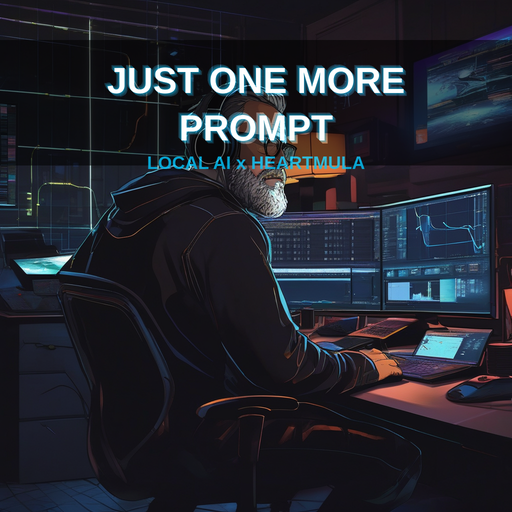
Generating Album Art on a Local GPU — SD 1.5 vs SDXL vs Flux
My new song "Just One More Prompt" needed cover art. I had an RTX 5070 Ti with 16GB VRAM, Python, and diffusers. No Midjourney subscription, no DALL-E credits. Just local GPU power and open-source models.
Here's what happened when I tried three generations of stable diffusion — and why the pick mattered more than I expected.
The Contenders
When people say "run Stable Diffusion locally," they usually mean one of three models:
| Model | Released | Resolution | VRAM Req. | Licence |
|---|---|---|---|---|
| Stable Diffusion 1.5 | Aug 2022 | 512×512 | ~4 GB | CreativeML Open RAIL-M |
| Stable Diffusion XL | Jul 2023 | 1024×1024 | ~10 GB | CreativeML Open RAIL-M++ |
| Flux.1-schnell | Aug 2024 | 1024×1024 | ~12 GB | Apache 2.0 |
| Flux.1-dev | Aug 2024 | 1024×1024 | ~12 GB | FLUX.1-dev Non-Commercial |
SD 1.5 is the old reliable. SDXL is the solid middle child. Flux is the current state of the art — but with a catch I'll get to.
What I Asked For
The same concept across all attempts: a female artist at a desk in a dark room, monitors glowing with terminal prompts, cyberpunk hip-hop vibes, neon blue and purple, headphones on, mic in hand. "Just One More Prompt" as album cover art.
The Prompt (SD 1.5 and SDXL)
Album cover art. A female music artist in her mid-20s sits at a desk
in a dark room lit by glowing monitors showing terminal prompts and
AI chat. She wears over-ear studio headphones, one hand on keyboard,
mic in the other. Cyberpunk hip-hop aesthetic, neon blue and purple
ambient light. Intense focused expression, slight smile, deep in the
zone at 2am. Dark clothing, gold chain. Floating code snippets fade
into darkness. Photorealistic digital art, moody dramatic lighting,
album cover composition.
Negative prompt: blurry, low quality, distorted face, extra fingers, watermark, text, logo
The Prompt (Flux — intended but not completed)
Flux handles natural language better, so the prompt would have been more descriptive and included the title text directly — Flux is significantly better at rendering text in images:
Album cover art for 'Just One More Prompt'. A female music artist in
her mid-20s sits at a desk in a dark room lit by glowing monitors
showing terminal prompts and AI chat. She wears over-ear studio
headphones, one hand on keyboard, mic in the other. Cyberpunk
hip-hop aesthetic, neon blue and purple ambient light. Intense
focused expression, slight smile, deep in the zone at 2am. Dark
clothing, gold chain. Floating code snippets fade into darkness.
The title 'JUST ONE MORE PROMPT' displayed boldly at the top in
neon typography. Photorealistic digital art, moody lighting, album
cover composition.
The key difference: I asked Flux to render text ("JUST ONE MORE PROMPT") because it can actually do it. SD 1.5 and SDXL will produce gibberish characters that look like alien script.
Attempt 1: Stable Diffusion 1.5
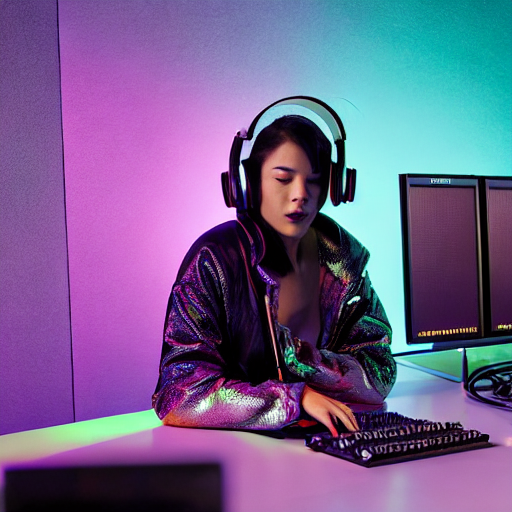
Setup: Dead simple. pip install diffusers, 4GB download, loaded in seconds.
Settings: 30 inference steps, guidance scale 7.5, 512×512, float16
Generation time: ~2 seconds on RTX 5070 Ti
Result: It produced an image. Technically. The composition was decent — dark room, monitors, a figure that maybe could be an artist. But at 512×512 the detail was soft, the face was slightly off, and any text in the image was pure gibberish. What looked like Greek or Arabic was actually just the model's attempt at "text-shaped pixels" — a well-known SD 1.5 limitation.
Verdict: Fast and free, but the output screams 2022. Fine for rapid prototyping or mood boards, not for something you'd put on a album cover.
Attempt 2: Flux.1-schnell (Failed)
I wanted to jump straight to the best. Flux.1-schnell is Apache 2.0 licenced, produces stunning 1024×1024 images in just 4 inference steps, and has the best text rendering of any open model.
The problem: It's a gated model on HuggingFace. Even though it's "free" and open-source, you need to:
- Create a HuggingFace account
- Go to the model page and accept the licence terms
- Generate a read token from your account settings
- Set that token as
HF_TOKENbefore downloading
I didn't have a token set up, and diffusers returned a 401 GatedRepoError. Same thing happened with Flux.1-dev (which additionally requires non-commercial licence acceptance — also gated).
Lesson: "Free and open source" doesn't mean "no auth required." Budget 5 minutes for HuggingFace setup if you want Flux.
Attempt 3: Stable Diffusion XL
With Flux blocked, I fell back to SDXL — fully open, no auth needed.
Setup: Same diffusers pipeline, ~7GB download (fp16 variant).
First attempt: Out of memory. Why? Ollama was holding 7.9GB of VRAM for a local LLM. SDXL needs ~10GB. Total: ~18GB. I only have 16GB.
Fix: Unloaded the Ollama model via API:
curl http://localhost:11434/api/generate \
  -d '{"model":"gemma4:e4b","keep_alive":0}'
This freed the VRAM. nvidia-smi confirmed zero GPU processes, then I ran SDXL with PYTORCH_ALLOC_CONF=expandable_segments:True to reduce fragmentation.
Settings: 40 inference steps, guidance scale 7.5, 1024×1024, float16
Generation time: ~7 seconds on RTX 5070 Ti
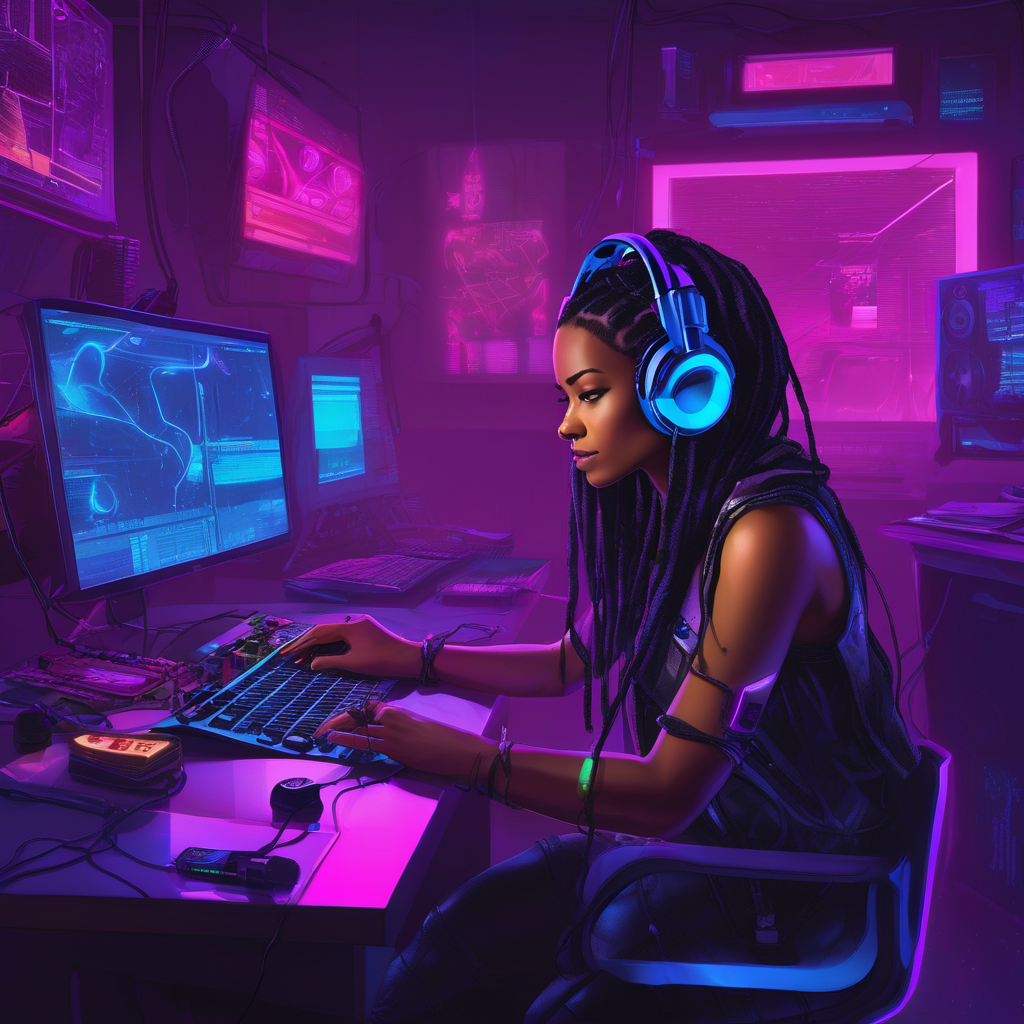
Result: Noticeably better. The 1024×1024 resolution means actual compositional detail — multiple monitors, readable layout, proper lighting, a convincing figure. The face is more coherent, the cyberpunk aesthetic is clear, and the overall image looks like album art rather than a blurry concept sketch.
But the hands were fake-looking and the keyboard was duplicated. So I iterated — removed hands from the prompt entirely, strengthened negatives, generated 4 variations, and picked the best one to overlay text on.
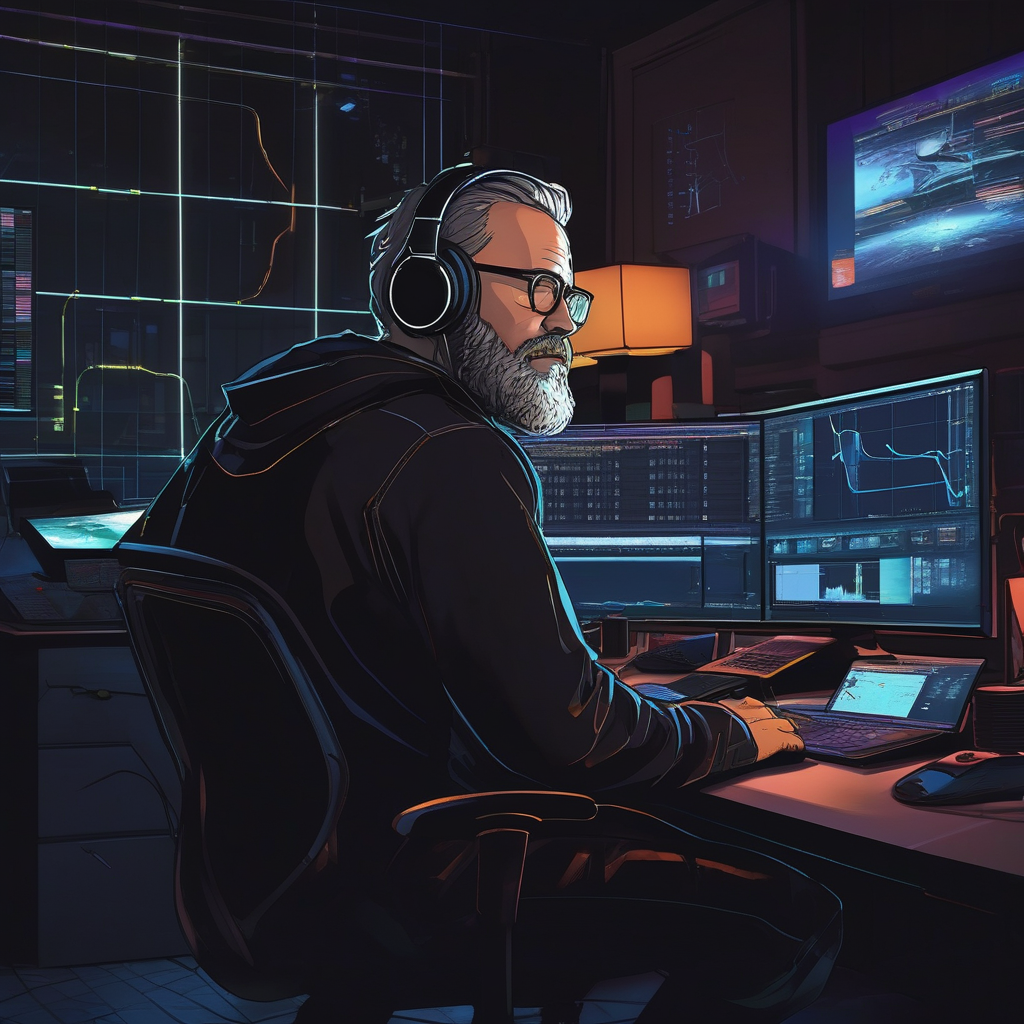
Still no text rendering — SDXL will produce the same pseudo-glyph nonsense as 1.5, just at higher resolution. That's why the final cover uses Pillow text overlay instead.
The Side-by-Side
| SD 1.5 | SDXL | Flux.1-schnell | |
|---|---|---|---|
| Resolution | 512×512 | 1024×1024 | 1024×1024 |
| Inference steps | 30 | 40 | 4 |
| Gen time (5070 Ti) | ~2s | ~7s | ~1s (estimated) |
| Text in image | Gibberish | Gibberish | Readable |
| Composition | Basic | Strong | Excellent |
| Face quality | Soft/uncanny | Good | Great |
| Setup friction | Zero | Low (VRAM) | Medium (HF auth) |
| Licence | Open RAIL-M | Open RAIL-M++ | Apache 2.0 |
Pricing: Local vs Cloud
If you don't have a beefy GPU — or don't want to manage the setup — cloud APIs are the alternative. Here's what the landscape looks like as of April 2026:
Local (Free After Hardware)
| Setup | Hardware | Cost | Speed |
|---|---|---|---|
| SD 1.5 locally | 4+ GB VRAM GPU | Free (electricity) | ~2s per image |
| SDXL locally | 10+ GB VRAM GPU | Free (electricity) | ~7s per image |
| Flux locally | 12+ GB VRAM GPU | Free (electricity) | ~1s per image |
Cloud APIs (Pay Per Image)
| Provider | Model | Cost per Image | Notes |
|---|---|---|---|
| Replicate | SDXL | ~£0.002 | 1024×1024, ~4s |
| Replicate | Flux.1-schnell | ~£0.002 | 1024×1024, ~1s |
| Replicate | Flux.1-dev | ~£0.03 | Higher quality, slower |
| fal.ai | Flux.1-dev | ~£0.02 | Fast, good API |
| fal.ai | Flux.1-schnell | ~£0.002 | Cheapest option |
| Together AI | Flux.1-schnell | ~£0.002 | Competitive pricing |
| Together AI | SDXL | ~£0.002 | Budget option |
| Hugging Face Inference | SDXL | Free tier available | Rate-limited |
| OpenAI | DALL-E 3 | ~£0.03–0.10 | Best text, closed model |
| Midjourney | v6.1 | £8/mo minimum | Subscription, best aesthetics |
My take: If you generate more than ~200 images/month, local beats every cloud option. The RTX 5070 Ti paid for itself in API savings within weeks of daily use. If you're just experimenting, Hugging Face's free inference tier or fal.ai's ~£0.002/image for Flux-schnell is hard to beat.
What I Learned
-
VRAM is shared — check who's using it. Ollama silently holds VRAM. Run
nvidia-smibefore generation. -
Gated ≠ closed. Flux is Apache 2.0 but requires HuggingFace auth. Setup the token once, use it forever. Don't skip it like I did.
-
SD 1.5 is a prototype tool now. At 512×512 with gibberish text, it's fine for quick mood boards. For anything presentable, move to SDXL minimum.
-
SDXL is the value king. No auth, no VRAM drama (with 16GB), great results. The sweet spot for most people with a mid-range GPU.
-
Flux is the endgame. Best quality, best text, fastest inference (4 steps). Worth the 5-minute HuggingFace setup.
-
No diffusion model renders text reliably — except Flux. If you need legible text on the image, either use Flux or post-process with Pillow/ImageMagick to overlay clean text.
Next: The Reverse Prompt
The cover art has the vibe. Now I am taking the same concept and running it through other models to see how different architectures interpret the same prompt. Same words, different eyes.
That's the real test of a prompt — does it travel? Follow @Raf_VRS for more.
Found this useful? 👉 Follow @Raf_VRS for more AI Guides updates 👉 Support the work: ko-fi.com/rafvrs
Stop Scrolling. Start Building. #LocalAI #ImageGeneration #HardInterference